PHP2Shell: the critical PHP vulnerability, and why your PHP version matters
Two critical PHP flaws (CVE-2026-109618 and CVE-2026-109619) let attackers take over a server with one request. What it means for WordPress sites, how to check your PHP version, and how to upgrade safely.
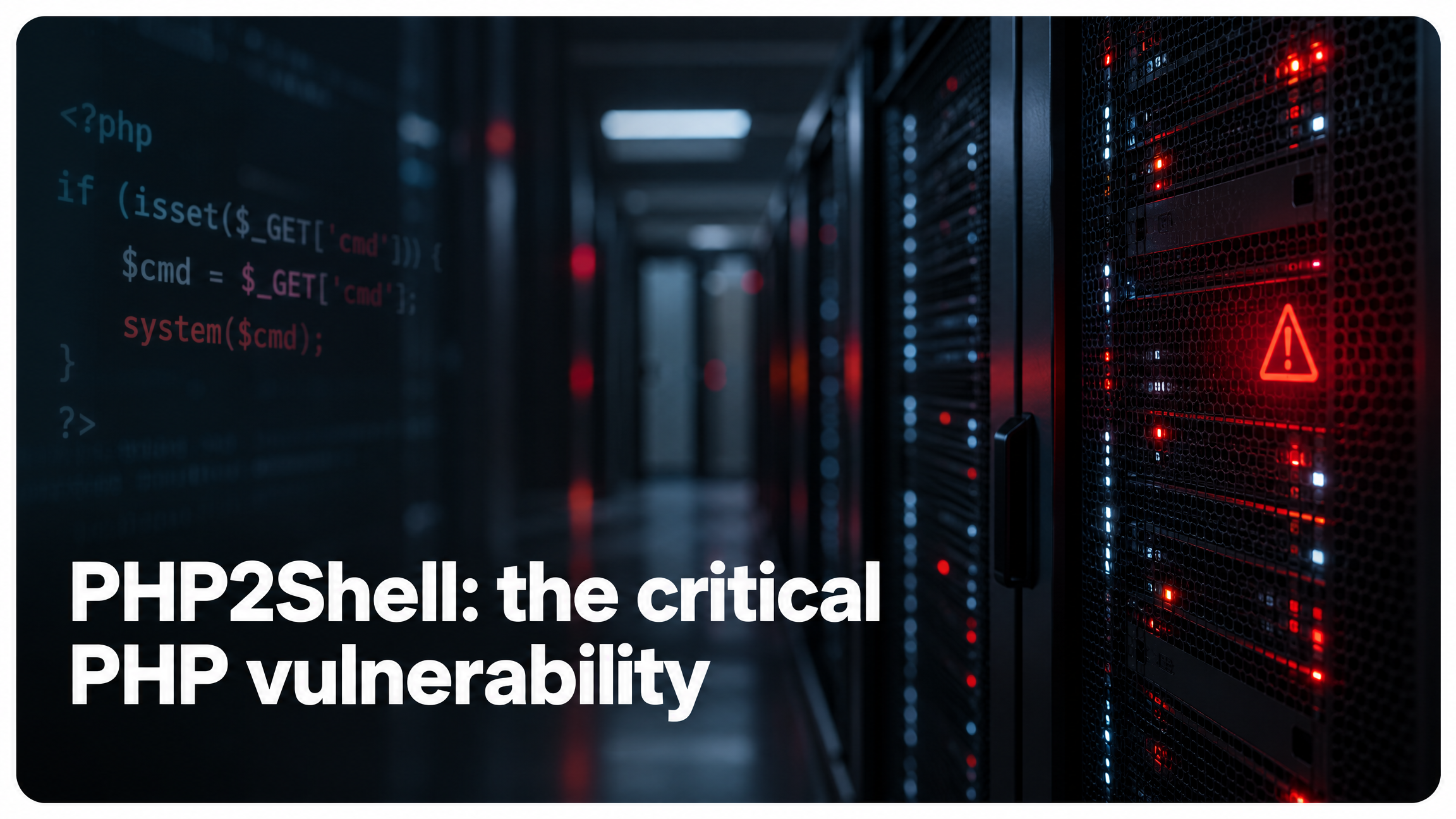
On 21 October 2026 the PHP project released emergency fixes for two critical vulnerabilities, nicknamed PHP2Shell. They let an attacker run their own code on a web server with a single request, without logging in, before WordPress or any other software has even started. If your website runs on PHP, which every WordPress site does, this one matters.
Here's what happened, how to check whether your site is affected, and why it's the push many site owners need to move off an old PHP version.
What is PHP2Shell?
PHP2Shell is the name given to two flaws, CVE-2026-109618 and CVE-2026-109619, in the way PHP handles web requests internally. Both are rated critical (9.2 out of 10 on the CVSS v4 scale), and both can allow remote code execution: an attacker sends a crafted request to your site and ends up able to run commands on the server.
What makes them so serious:
- No login is needed. The attack works against any public page.
- It happens before your site's code runs. Security plugins, firewalls inside WordPress and strong passwords don't come into it.
- Attacks started early. Details leaked before the planned disclosure, and attempts to exploit it were seen in the wild days before the fix was public.
- There's no setting that fully protects you. The PHP project says the fix is to update PHP itself.
Which PHP versions are affected?
Every version of PHP before these releases is affected:
- PHP 8.5.12, 8.4.27, 8.3.36 and 8.2.35 are the fixed versions.
- PHP 8.1, 8.0 and 7.x are past their end of life. The PHP project no longer releases them, so a fix only reaches them if the hosting company or software vendor adds it. Some have (for this vulnerability), but versions older than 7.4 are widely reported as not being fixed at all.
Even PHP 8.2 is close to the end of the road: it stops getting security fixes on 31 December 2026.
We've patched our servers. So why does your PHP version still matter?
If you host with SecurePress, the servers your site runs on have been updated with the fix. But the PHP version your site uses is a separate choice, and many sites are still running PHP 7.4, 8.0 or 8.1 because nobody has moved them on.
Those versions no longer get security fixes from PHP. This time a fix was backported to them. The next vulnerability may not be so lucky, and every month on an end-of-life version is a month of known, unfixed problems building up. Moving to PHP 8.3 or newer puts your site back on versions that get fixes the day they're released.
How to check your PHP version
Log in to cPanel and open Select PHP Version (the PHP Selector, under Software). The version your site runs is shown at the top, and you can change it from the same page.
Can I just switch PHP version myself?
Yes, from that same page in cPanel, and often it works without a hitch. But not always. Older themes and plugins can rely on things newer PHP has removed, and the result can be anything from a warning message to a blank white page or a broken checkout. The bigger the jump (7.4 to 8.3, for example), the more likely something trips up.
If you do it yourself:
- Take a full backup first, files and database, and make sure you know how to put it back.
- Update WordPress, your theme and every plugin before you change PHP. Old versions are the usual cause of problems.
- Remove plugins you don't use, and check the ones you do still get updates.
- Change the version, then test straight away: the home page, your forms, logging in, and any shop or booking system.
- If anything breaks, switch back to the previous version and look at what failed before trying again.
Or let us do it for you
For peace of mind, we offer a one-off PHP upgrade for £50, done for you, whether or not you host with us. We:
- take a full backup of your site, ready to roll back at any moment
- scan for likely problems before anything changes: outdated or abandoned plugins, themes and code that won't run on newer PHP
- update WordPress core, your theme and plugins
- move your site to a current PHP version and check it over afterwards
- talk you through it, so you know exactly what was changed
If anything doesn't behave, we put it back as it was, so your site is never left broken.
Rather talk first? Get in touch and we'll check your site's PHP version for you.