5 Reasons Why Your WordPress Site Needs a CDN
A CDN makes your WordPress site faster for visitors everywhere, helps keep it online during downtime and adds protection against DDoS attacks.
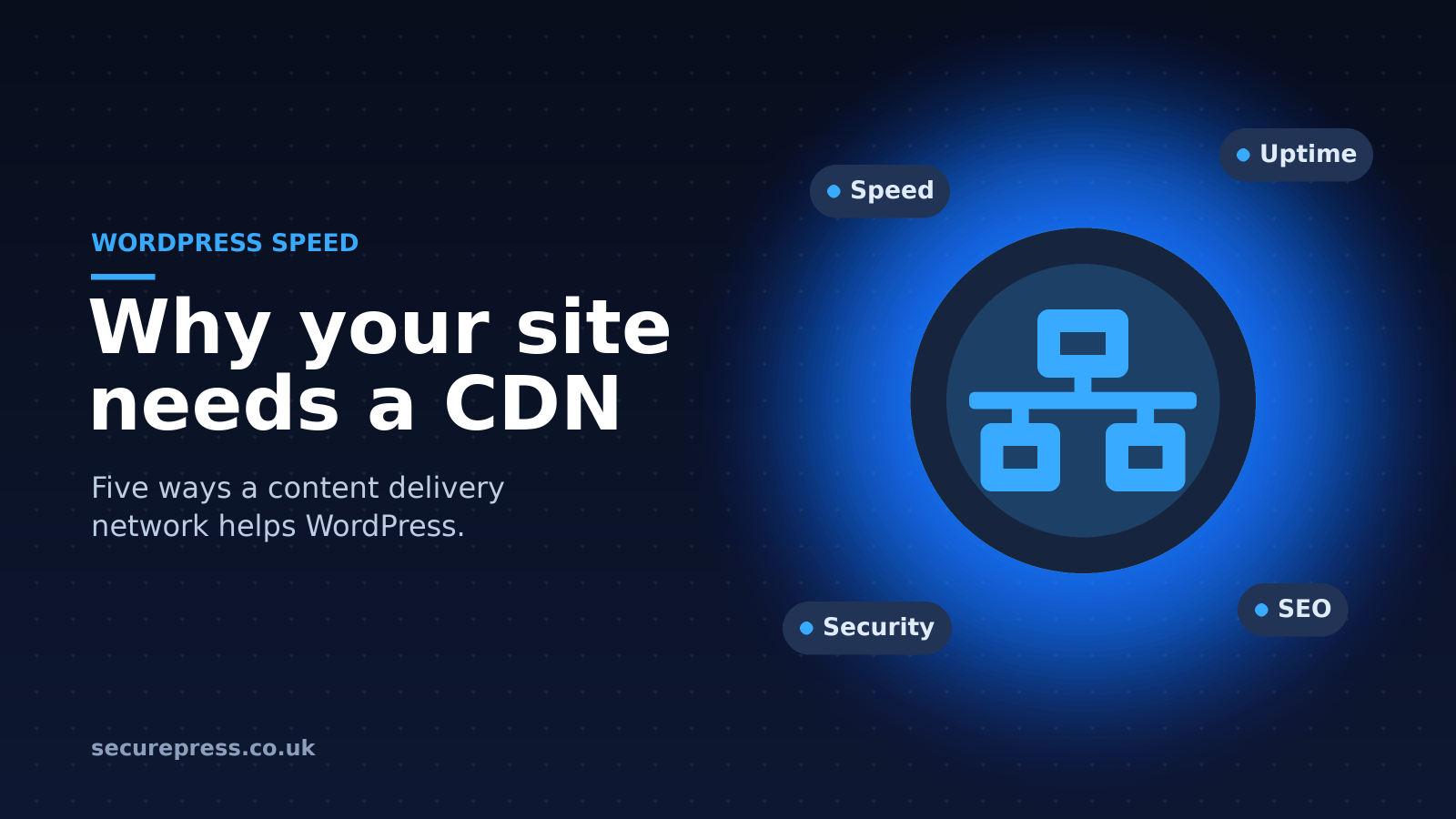
5 reasons why your WordPress site needs a CDN
A content delivery network (CDN) is a system of servers spread across many physical and network locations. Having data centres in different places means your website’s visitors can load your site and files from the data centre nearest to them. The CDN acts as an intermediary between your website’s own server (the origin) and your visitors.
All of this essentially means that a CDN reduces latency and downtime, ensuring a speedy browsing experience for your customers.
Benefits of a CDN
Using a CDN has a whole host of benefits. Not only does it help to reduce latency, but there are 5 other main benefits too:
1. It ensures your site can be reached globally
A CDN ensures your website loads quickly for visitors in all locations. So, whether your visitors are in the same country as your website’s server or on the other side of the world, they will still be able to use your site properly.
2. It improves website uptime
Many CDNs can keep showing a cached copy of your pages if your server is temporarily down. Without a CDN, your visitors would see an error page instead, so with one they may still be able to view your site during downtime.
3. It helps SEO and analytics
A fast-loading website helps your ranking in search engines, because site speed is a ranking factor, and it improves your Google PageSpeed Insights score.
In addition, many CDNs have reports that show you how your site is being used. In some cases, these can add to your other analytics tools.
4. It increases security
A CDN can protect your website against a wide range of attacks, such as DDoS attacks, because it sits in front of your site and acts in a similar way to a firewall. Your visitors can view your content securely and your website itself has added protection.
5. It takes load off your server
Because the CDN delivers your images, stylesheets and scripts from its own servers, your web server has far fewer requests to handle. This keeps your site responsive when you have a lot of visitors at once.
How can you get a CDN?
You can sign up for a CDN directly with a provider, buy one through your host as an add-on, or choose a host that includes one in its hosting packages.
You can use a CDN with SecurePress hosting too. Talk to us before you set one up: many CDNs ask you to move your domain's nameservers to them, and keeping your domain on our nameservers lets us switch your DNS for you during server maintenance. We'll help you find a set-up that keeps that working.
If you have any questions about CDNs, how they work or whether one would benefit your WordPress site, you are welcome to ask our team.