How to Change Web Hosts with Ease
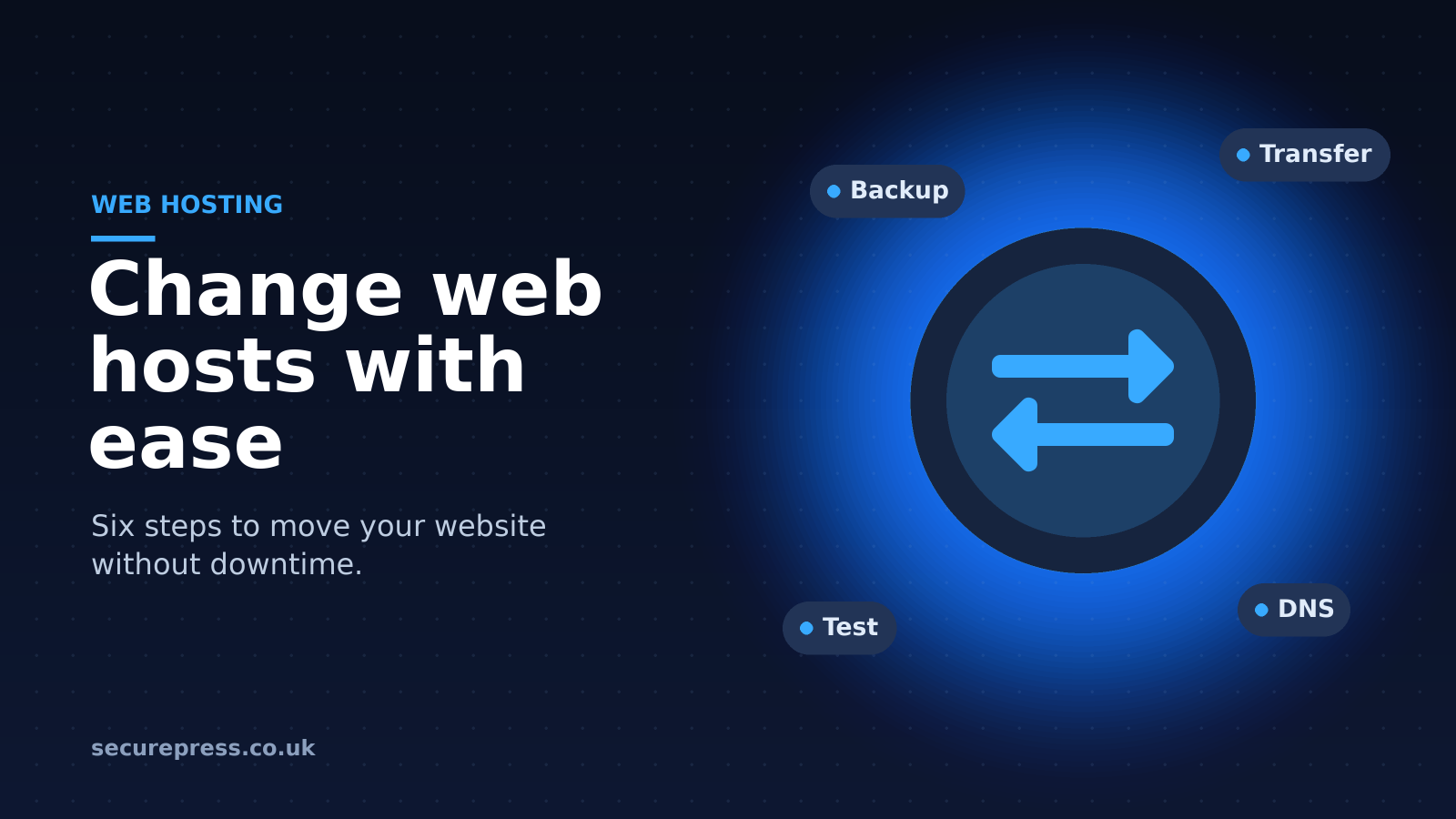
Changing web hosts can be quick and easy without downtime. Follow these six steps to move your site yourself, or let your new host do it free.
How to change web hosts with ease
The idea of changing web hosts does not appeal to a lot of website owners, because of the common misconception that downtime is a given. This is not the case, and it is definitely not a reason to stay with an unsatisfactory host.
There are many valid reasons why you may need to change your current web host, such as poor customer service, slow loading speeds and regular downtime. The process of changing web hosts is not as long and challenging as you may think.
What are the benefits of moving to a new web host?
A lot of the information available about moving web hosts focuses on the negatives, such as possible downtime, errors and data loss, which very rarely occur. However, there is a long list of benefits to moving web hosts.
The biggest benefit is that the issues you're experiencing with your current host will be resolved.
In addition, you could save money. The hosting industry is very competitive, which means that your new host may well offer better services for a similar or even lower price. Many hosts also offer a discount to new customers, though it's worth checking what you'll pay when the plan renews.
6 steps to change web hosts with ease
You can change your web host successfully in only a few steps.
Step 1: Research and choose your new host and hosting package. Sign up and create an account.
Step 2: Back up your files and database. When downloading and uploading, remember to keep the structure of the website's folders exactly as you find it.
Step 3: Transfer your files and database to your new host, then test your website on the new server.
Step 4: Once you have tested the website, switch your domain's DNS records to your new host.
Step 5: Do a final check to make sure no files, links and so on are missing after the DNS change.
Step 6: Cancel your previous hosting account and start to enjoy your new host.
Tips on changing web hosts
If you are transferring your website yourself, take note of the following tips:
- Keep a secure copy of important information, such as security settings and configuration details.
- If you're concerned about the possibility of downtime, let your visitors know before you transfer.
- Make sure you have the latest backups of your site, including the databases and website files, before you transfer anything.
- Remember to test the website once it has transferred, so you can check for things such as site structure issues or broken links.
- Emails don't always transfer automatically, but they can usually be copied from the old host to the new one over IMAP. Your old host or your new one can help with this.
- Don't cancel your current hosting account until your site has been successfully transferred, as DNS changes can take up to 48 hours to reach everyone.
What are the other options for changing web hosts?
The six steps above are not the only way to move to a new host. Most hosts will transfer your site for you, and many will even do it for free.
If your old and new hosts use the same control panel, they can usually transfer your whole account in one go. If not, they will do it manually, which can take a bit more time.
All you need to do is sign up for your chosen package and give your new host the details it needs. These usually include the login details for your previous host, such as the hostname, cPanel login and FTP login.
Either way, having your new host transfer your website for you should be quick and easy, without downtime or errors.
Moving your site to SecurePress
Sometimes you may not want to change your host but need to as your site grows, which makes an easy transfer even more important, whether you move it yourself or ask your new host to.
Every SecurePress plan includes a free migration done for you. If you're thinking of moving your site to us, get in touch or call 0333 020 0530 and we'll talk you through it.