How to Improve Your WordPress Site Speed
Your WordPress site speed affects your Google ranking, sales and customer loyalty. Find out why it matters and how to make your site faster.
Why is WordPress site speed so important?
Do you know just how important your site speed really is?
In today’s fast-paced business environment, your customers’ expectations are higher than ever. Google’s own target is for a page’s main content to appear within 2.5 seconds. Yet when SitePulse checked over 14,000 websites, the typical site took 7.2 seconds to show its main content on a phone, and 87% scored under 90 in Google’s PageSpeed test.
Site speed is one of the few things that Google has officially confirmed as a ranking factor. This means that your WordPress site speed, on both desktop and mobile, is vital to your success.
The effects of WordPress site speed
Google first made site speed a ranking factor for desktop searches in 2010, added it for mobile searches in 2018 and, since 2021, has measured real visitors’ experience through its Core Web Vitals. A slow website can hurt your SEO, giving you a lower search engine ranking, which in turn can lead to fewer new and returning customers.
Speed has a direct effect on sales. In a study for Google, Deloitte found that making a mobile site just 0.1 seconds faster raised conversion rates by 8.4% for retailers (Milliseconds Make Millions).
A slow website can also affect brand loyalty. Visitors want results fast, wherever they get them, so a slow website may damage your brand’s reputation.
The difference adds up quickly. Portent’s research found that a site which loads in 1 second converts about three times as well as one that takes 5 seconds.
Improving your site speed will not only stop your search engine ranking and sales from dropping, but will also give you a competitive advantage, as visitors have no problem leaving a competitor’s site in favour of a faster website.
Moreover, improving your WordPress site speed will improve your customers’ satisfaction, which is vital to every business.
How to check site speed
There are free online tools such as Google PageSpeed Insights that let you check the loading speed of your website on desktop and mobile. The report highlights where the issues are and gives advice on what you can do to improve your WordPress site speed.
Some suggestions, however, are more technical than others and may need help from your web host.
It is best to be proactive about your website speed. Check it regularly instead of waiting for your search engine ranking and site traffic to drop.
How to improve your WordPress site speed
You can improve your WordPress site speed significantly by spending time on the basics, such as optimising images, updating plugins and themes, and reducing external HTTP requests.
You can also organise your content better by breaking long posts and comment threads into several pages, and by embedding videos from a video platform rather than uploading them to your site.
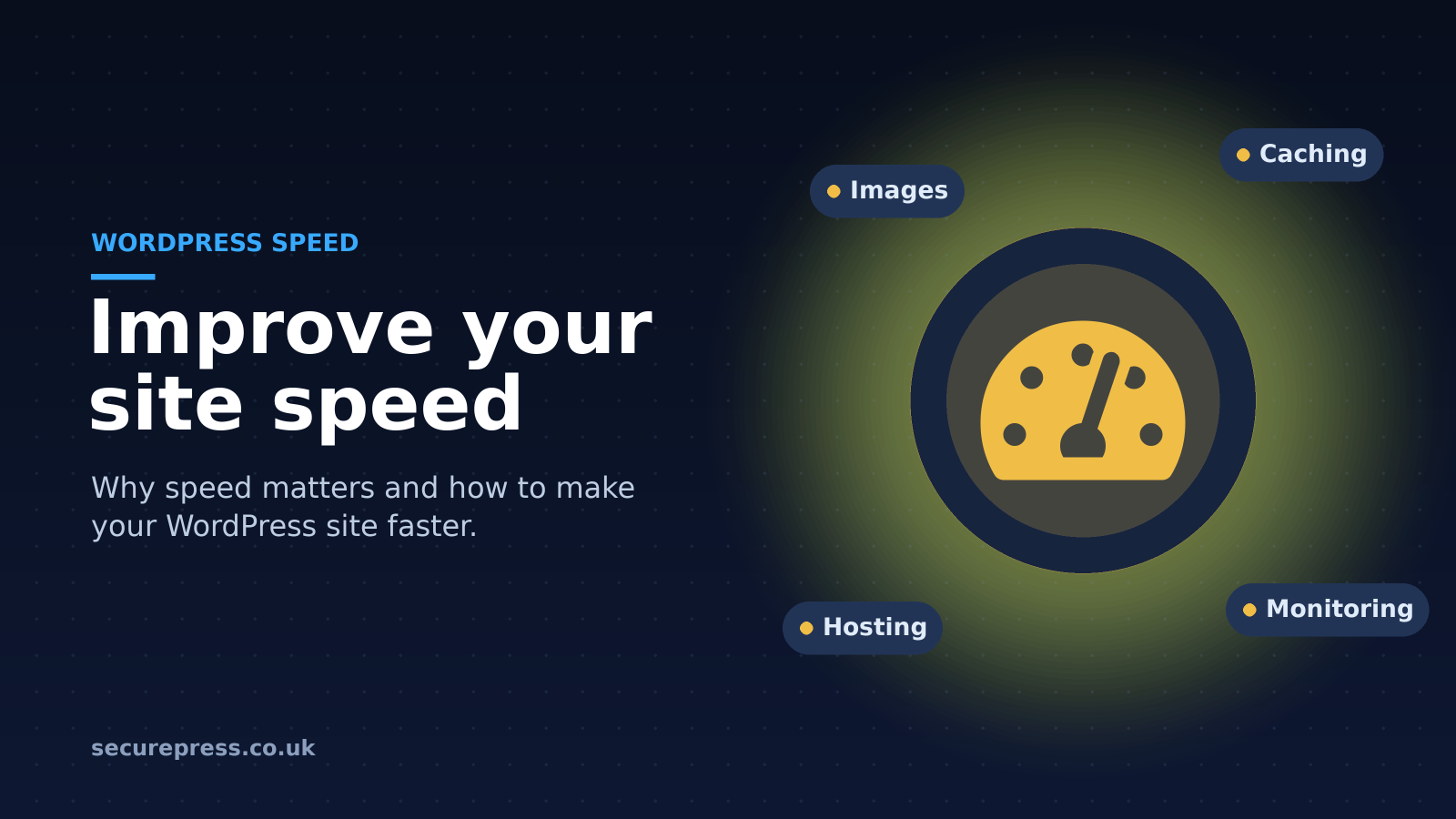
However, the most effective way to improve your WordPress site speed is to invest in good WordPress hosting. This is because of what a good host provides, such as:
- Fast NVMe storage, which lets websites load quickly and efficiently. This also helps to reduce latency, the time between a visitor clicking on your site and their content appearing.
- Server-level caching, which serves ready-made copies of your pages instead of building each one from scratch for every visitor.
- A content delivery network (CDN), which means your website’s content loads quickly for all of your visitors, wherever they are.
- Regular updates of the WordPress core, themes and plugins on your website, which keep it running efficiently and help to prevent security breaches.
- Consistent monitoring of your website’s loading speed to check it stays fast. This also allows the host to spot and fix any speed issues as they happen.
A reliable host can help you to make your website faster without lowering its quality. WordPress site speed is not something that can wait to be improved.
Need more guidance on improving your WordPress site speed? We can help.
About SecurePress
Every SecurePress plan runs on NVMe hardware with the LiteSpeed web server and its built-in caching. To learn more about our WordPress hosting plans, call us on 0333 020 0530 or send us a message.