WordPress Security Plugins: Are They Enough?
WordPress security plugins are popular, but are they enough on their own? Their limits, the risks of relying on them and what secure hosting adds.
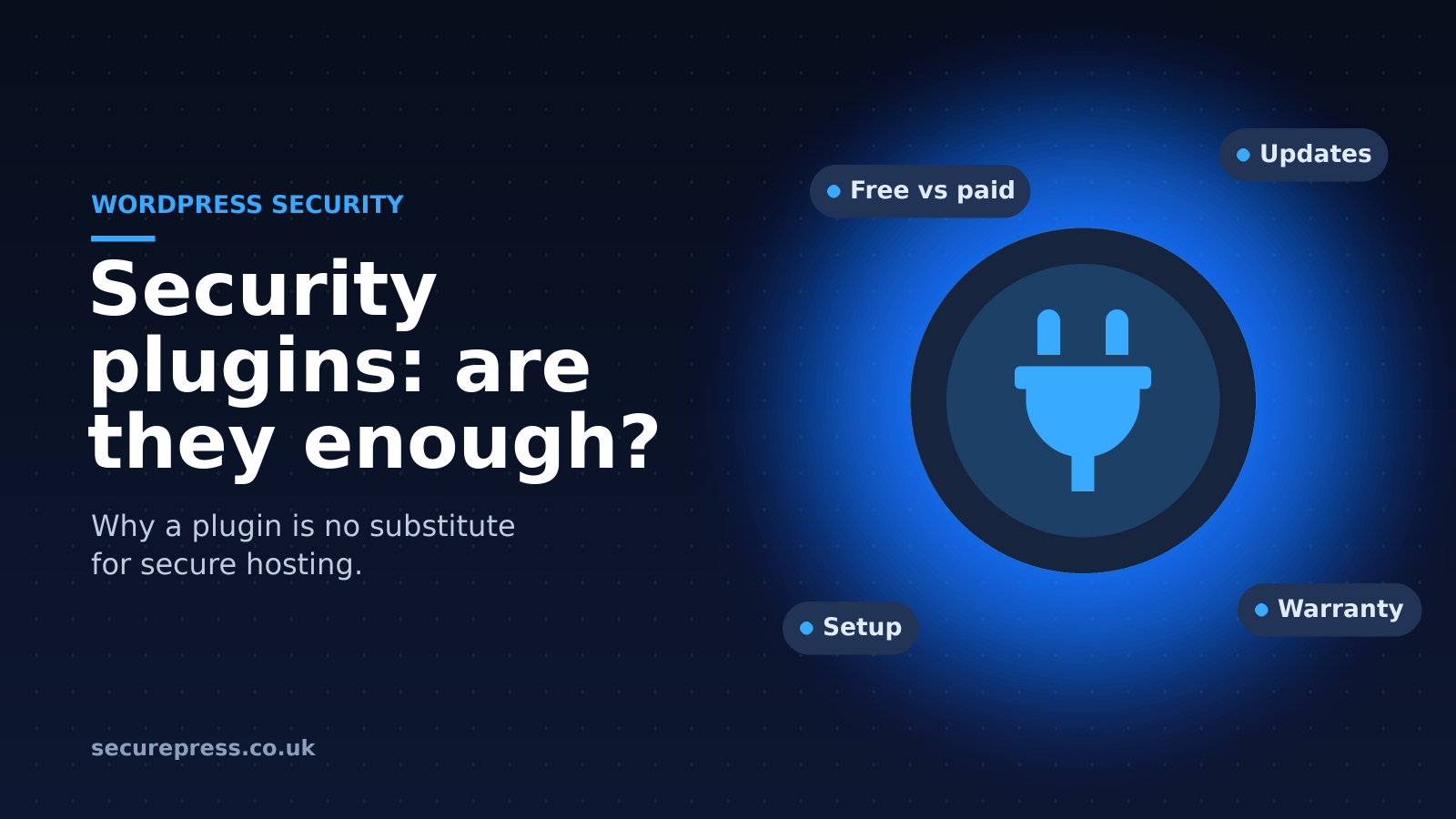
WordPress security plugins: a false sense of security or a necessity?
Security plugins are common add-ons to WordPress sites that promise to protect against hacks and malicious attacks. They offer features such as malware scans, vulnerability detection and fixes, two-factor authentication and file change detection.
Most security plugins come in a free version, available from the WordPress.org plugin directory, and a premium version bought from the plugin's developer.
Security plugins definitely have a place on WordPress sites. However, you need to be aware of their limitations. A security plugin is not a substitute for a secure web host!
Hacked WordPress sites very often turn out to have had a security plugin installed at the time of the hack.
4 essential facts about WordPress security plugins
1. Free vs premium versions
Most security plugins come in a free and a premium (paid) version. The premium version usually offers everything the free version does, and more.
Installing a free security plugin may seem like there's nothing to lose. However, free versions are often designed to give you a taste of the plugin, with just enough missing that you need the premium version to be properly protected.
Free versions often ask for a donation so that they can stay free of charge.
If a free security plugin gave complete protection, there would be no need for a paid version, which suggests free security plugins shouldn't be relied on entirely. After all, many don't include basic protections such as a firewall.
Even premium plugins only offer certain protections, which raises the question: why pay for a few features through a security plugin when you could have all the protection you need from a secure web host?
2. Security vulnerabilities and other issues
Most plugins are updated regularly, and if you don't update your security plugins, you risk being hacked through a vulnerability in the older version. WordPress can update plugins automatically, but only if you turn that on for each plugin.
Like any plugin, security plugins can have security vulnerabilities of their own. The quality of code varies a great deal between plugins, and a popular plugin with a flaw quickly becomes a hacking target.
Furthermore, plugins don't update when WordPress updates, so they can become incompatible after a WordPress update. This can cause glitches and conflicts with other plugins. The same is true when a security plugin stops being supported, which happens often.
Problems with security plugins can hurt your website's speed and uptime. They can also stop other plugins, such as caching plugins, from working at all.
3. A high level of technical ability is required
Popular security plugins can help to protect WordPress sites, but only if they are used properly.
The main danger with even a good security plugin is that many WordPress users don't have the technical knowledge needed to understand it and set it up correctly. It can be tempting to turn on every feature in the plugin to protect the website further, but usually that isn't the outcome.
Turning on the wrong settings can interfere with other plugins and take your WordPress site offline. It can also leave your site with security holes. Ultimately, without a high level of technical ability, you can do more harm than good.
In addition, security plugins often send alerts that give the average site owner peace of mind, but which only a technician would fully understand. This can lead to real problems being missed.
4. Lack of warranty or guarantee
It is very rare to find a free or premium security plugin that offers any form of warranty or guarantee.
If you are hacked while using a security plugin, there is usually no warranty. Some plugins may give you a refund, but it's unlikely to cover the cost of a malware cleanup, let alone lost earnings.
Security plugins offer no guarantee that they will protect you from a hack. If a website is hacked, it is the owner's responsibility to get it cleaned, and they will usually have to go elsewhere for advice and support too.
There are several reasons why security plugins rarely offer a warranty or guarantee. One of the main ones is that they can't protect against every form of attack. Most security plugins focus on brute force attacks and login protection.
Should site owners stop using WordPress security plugins?
Security plugins can be an asset to a WordPress website, but only if they're used correctly and their limitations are understood. We highly recommend having a secure web hosting package in place rather than relying on security plugins. If you do choose to use a security plugin, follow these tips:
- Use strong, unique passwords and turn on two-factor authentication.
- Stick to one well-known, actively maintained plugin that has all the features you need, rather than several plugins that duplicate each other.
- Keep your plugins up to date, and delete any you no longer use or that are no longer supported.
Ultimately, security plugins can't do the job of a secure web hosting service and the protection that comes with it, such as SSL certificates, malware scanning and advanced firewalls.
If you have been hacked, whether or not you had a security plugin, our WordPress malware removal service can clean your site. The cleanup is included free on annual Starter and Managed Pro plans.