WordPress Hosting and cPanel: How They Relate
WordPress cPanel hosting explained: what cPanel does, from email and SSL certificates to backups and files, and why most WordPress hosts include it.
When you're searching for a new web host, you'll see that most hosting packages list cPanel as a feature, but many WordPress users are unsure what it is and how it helps them.
cPanel and WordPress hosting go hand in hand, but what is cPanel, and why does it matter for WordPress hosting?
What is cPanel?
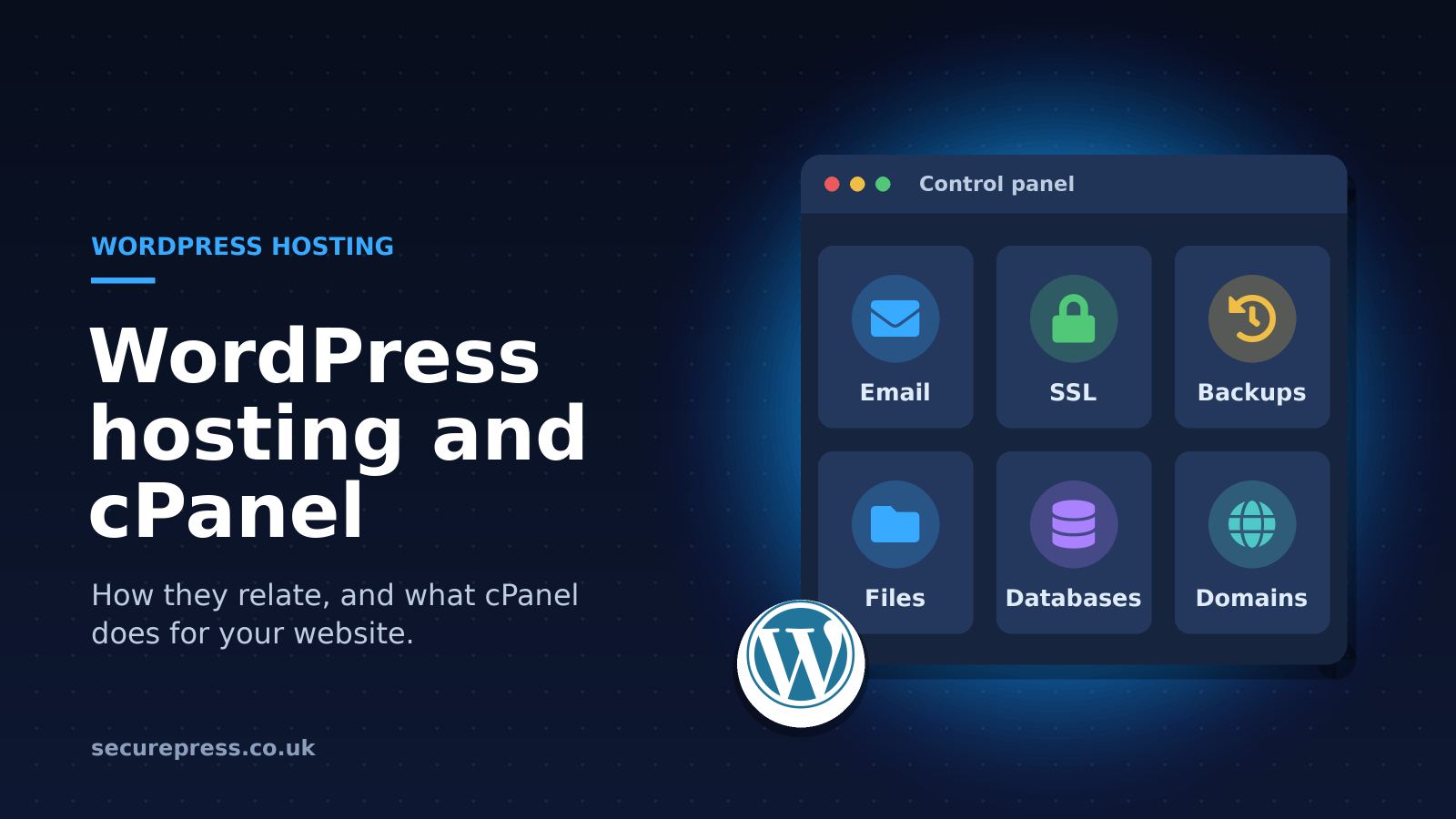
cPanel is a web-based control panel where you can manage every part of your hosting account. Its dashboard makes it easier to look after your hosting without much technical knowledge. It includes email and FTP accounts, databases, domain settings and statistics.
cPanel was designed so that non-technical users could manage their hosting without advanced skills. It comes as standard with most web hosting packages because it makes running a website simple.
cPanel is licensed to your hosting company, which includes it in your plan, so you don't need to buy a licence yourself.
Email is one of the most used parts of cPanel, and everything to do with it is in one place. You can create email accounts on your domain name, set up forwarders and auto-responders, and change your email passwords.
cPanel also includes webmail, which lets you read your domain's email from within cPanel. You don't have to worry about details such as host names and port numbers: log in to cPanel on any device and your email is there.
SSL certificates
SSL is an essential part of any website. If you've bought a certificate elsewhere, cPanel is the place to install and configure it.
cPanel lets you generate a certificate signing request (CSR), and view, create, upload or delete private keys and certificates. You can install and manage all your SSL certificates in one place.
Backups
Backing up your WordPress site is essential, whether it's to get your site back on track after a hack or to go back to a previous design. You'd save a Word document as you worked on it, and your website is no different.
Taking a backup in cPanel is easy: you can download a full backup of your website with the click of a button.
Other features
cPanel also handles your domains. You can create addon domains and subdomains, and change DNS settings such as your domain's MX records. You can also add domain aliases (once called parked domains), which point another domain at your website, something that comes in handy even for complete beginners.
cPanel also lets you keep an eye on statistics such as disk space and bandwidth, and read your site's access and error logs.
Many hosts also add Softaculous to cPanel, which installs WordPress and many other applications in one click.
cPanel at SecurePress
Our WordPress hosting plans come with cPanel, so you can look after your site's files, email and databases yourself whenever you need to.
We add more on top of it as part of our secure WordPress hosting: hardened servers, malware scanning around the clock and daily off-site backups, so you're not relying on remembering to download one. If you're moving from another host, we'll migrate your site for you free of charge.