Why You Should Limit WordPress Login Attempts
Limiting WordPress login attempts helps stop brute force attacks. How brute force works, how to limit logins and how to choose a strong password.
Increase your WordPress site's security by limiting login attempts
The security of your WordPress site should be a top priority, so that it doesn't become an easy target for hackers.
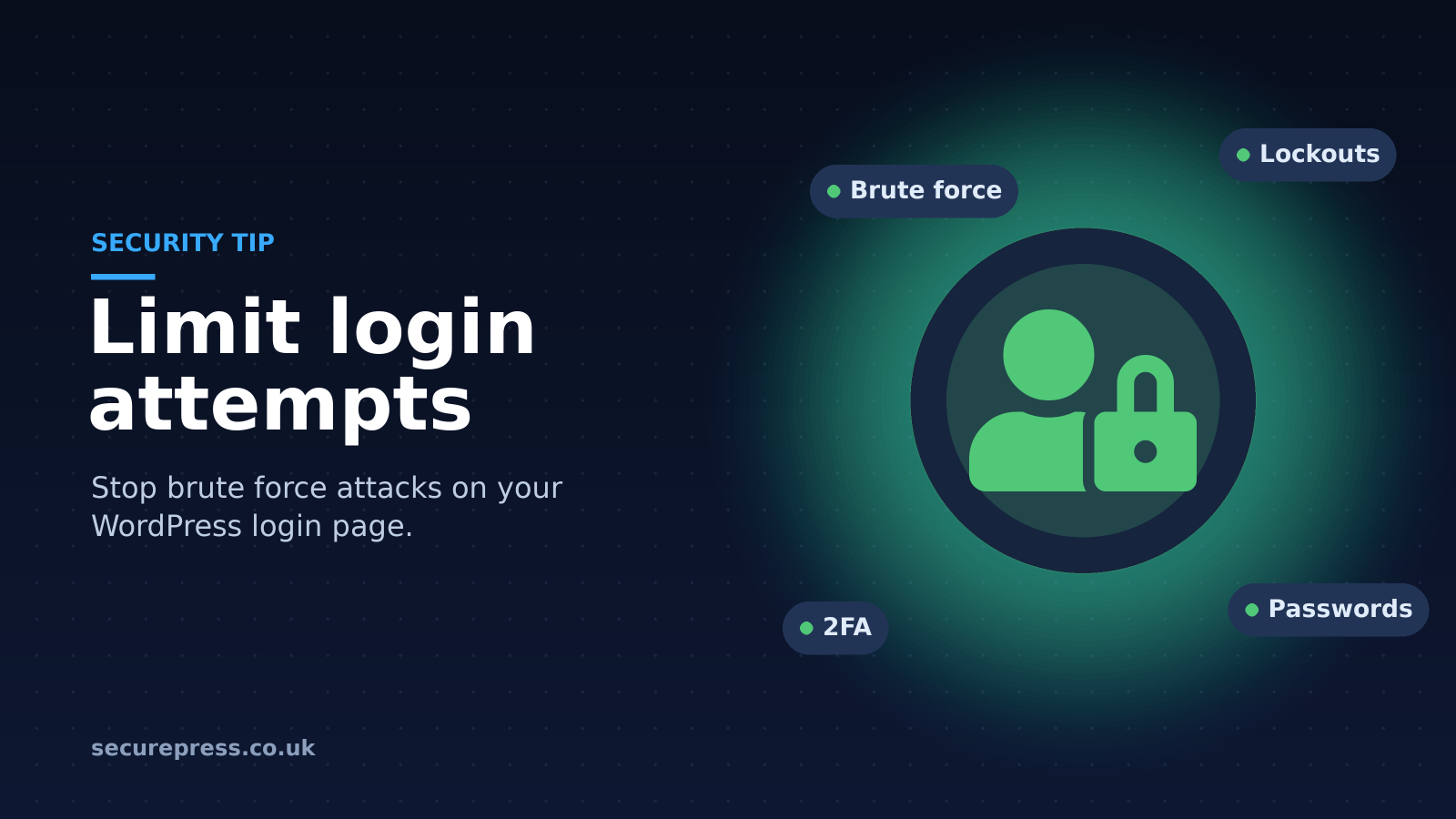
The second tip in our WordPress security series is to limit WordPress login attempts. This protects against what is arguably the most common type of attack on WordPress sites: brute force attacks.
What are brute force attacks?
Brute force attacks are usually carried out by entry-level hackers. It is a trial-and-error method where hackers, or bots, use automated scripts to try combination after combination of usernames and passwords to get into WordPress sites.
Tens of thousands of sites are targeted at once, so just because your WordPress site is small doesn't mean it's safe. The bots target any site with a /wp-admin or /wp-login.php address.
The best way to prevent brute force attacks is to limit login attempts
There are two main ways to prevent brute force attacks. One is to hide your WordPress login page altogether. However, this isn't a practical option for some WordPress sites, such as:
- E-commerce sites
- Membership sites
- Online forums
- Sites with multiple authors
The other option is to limit login attempts. This means limiting the number of times an IP address can try to log in to your WordPress site within a set time. You can do this by installing a plugin such as Limit Login Attempts Reloaded.
You can choose the number of login attempts allowed, and how long an IP address is blocked for after too many failed attempts. You can also choose to lock out invalid usernames straight away. This stops brute force attacks and protects against chancers as well.
If you're prone to mistyping your password, bear that in mind when choosing the number of login attempts allowed, as you may need more than one go!
We'd also suggest adding a CAPTCHA to your login page and turning on two-factor authentication, as well as using a secure username and password. This adds another layer of protection against hackers.
Make WordPress security a priority
Brute force attacks are so common that if you don't take steps to prevent them and your password is weak, you're highly likely to be hacked.
If hiding your login page or limiting login attempts isn't an option for you, the fundamental measure is to use a secure username and password. After all, a lot of WordPress users still use "admin" as their username!
To create a secure password, we recommend:
- Making it long: at least 12 characters, and longer is better
- Using a different password for every site and account
- Using a password manager, or a random password from our password generator
- Checking it hasn't appeared in a data breach, with our password breach check
If you need a password you can remember, the NCSC suggests putting three random words together.
For further help securing your WordPress site, contact our WordPress experts. You can learn more about brute force attacks and other types of hack in our guide to WordPress security for small businesses.