Security Tip: Regular WordPress Updates
Regular WordPress updates to core, themes and plugins are one of the best ways to protect your site from hackers. Here is why and how to keep up.
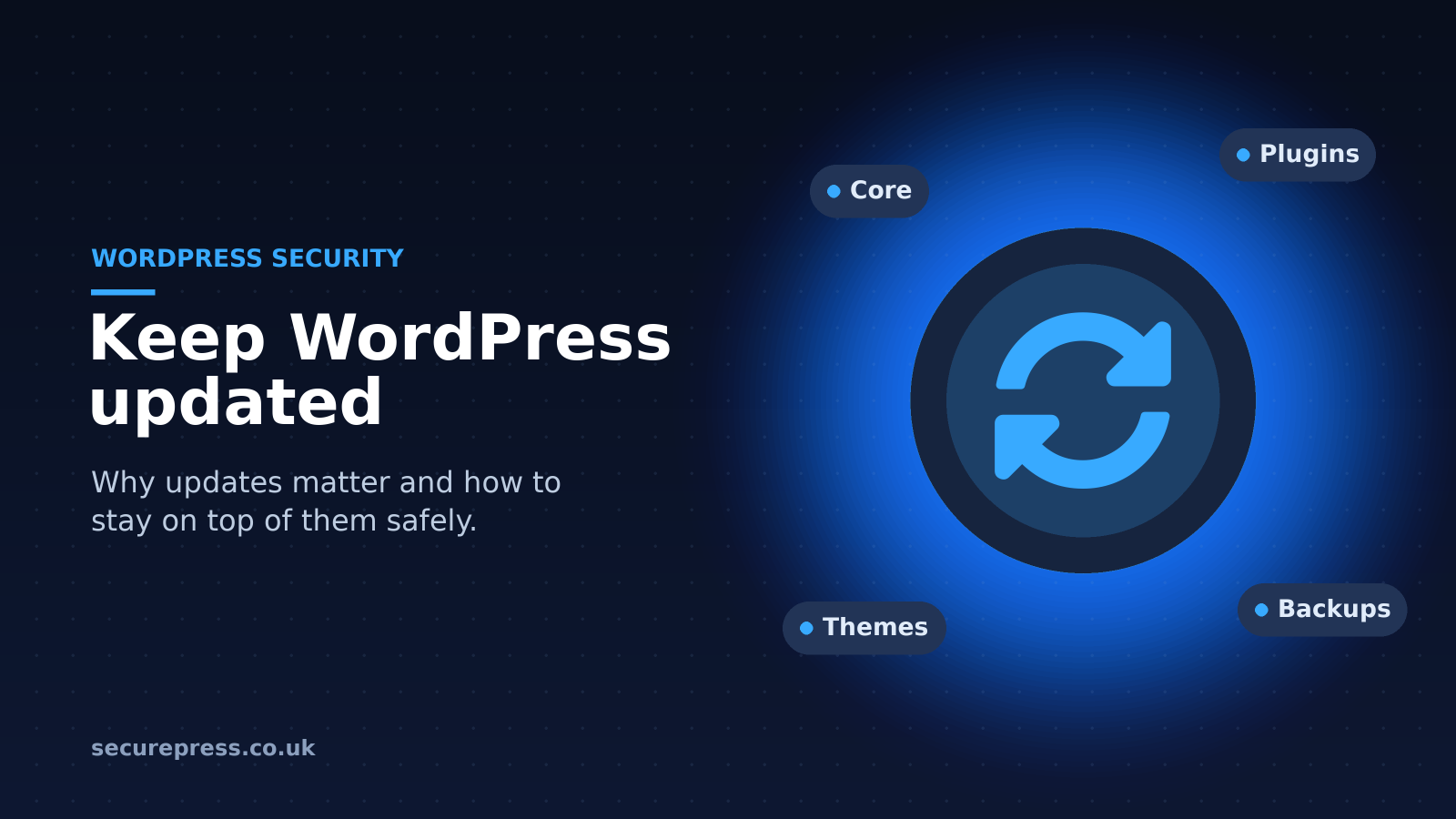
Security tip: perform regular WordPress updates
The next WordPress security tip in our series is arguably one of the most important, but often the most overlooked: regularly updating WordPress core, themes and plugins.
There are several types of update you need to keep up with, including major WordPress core updates, minor core updates, plugin updates and theme updates. They come out at different times: major WordPress versions are usually released a few times a year, while minor security and maintenance releases, and plugin and theme updates, can come out at any time.
Why are regular WordPress updates so important?
Updates very often fix security holes or bugs found in a previous version, many of which are reported by the WordPress community.
Because of this, it is important to install updates regularly. Once a security hole has been fixed and announced, hackers know about it and can use it to get into sites that haven’t been updated.
If you don’t update regularly, you are at risk of being hacked through the holes found in the versions you are using.
How to find out if your WordPress site needs updating
The first place to check is your site’s dashboard, where WordPress tells you when an update is available. You can also go to Dashboard > Updates in the left-hand menu.
Updates for your plugins and themes are shown there too, and on the Plugins and Themes pages. The more complex your WordPress site is, the more important, but potentially difficult, it is to keep up with the updates it needs.
WordPress installs minor core updates automatically by default, and you can switch on automatic updates for each plugin and theme. Even so, it is worth checking your site regularly.
Before updating, we recommend taking a backup.
We also recommend that you check your whole site after running updates. This is because updating one part of your WordPress site can sometimes interfere with any custom code you have, as well as other themes or plugins you’re using.
Keeping up with updates
Regular updates are one of the most important things you can do to protect a WordPress site from hackers, alongside backups and good passwords.
We also share a variety of WordPress security tips, including how to take regular backups, how to choose a secure username and how to limit login attempts.
If you would rather not do the updates yourself, our Starter and Managed Pro WordPress hosting plans include WordPress, plugin and theme updates done for you.