Everything You Need to Know About SSL
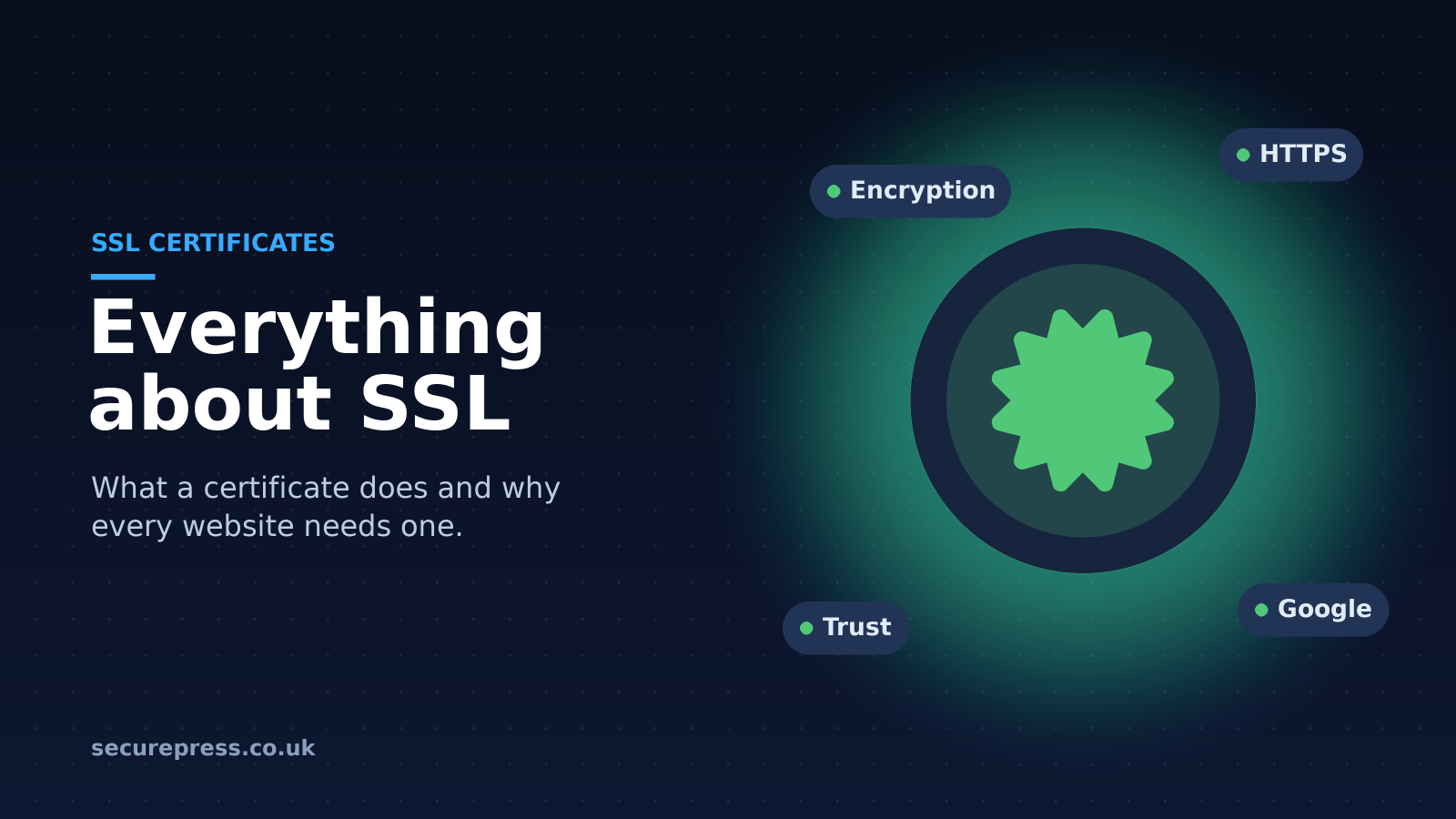
SSL certificates encrypt the connection to your WordPress website. Find out what an SSL certificate does, why your site needs one and how to get one.
What does it mean to have SSL?
SSL used to be the buzzword of WordPress security. Today it's simply expected: every website, WordPress sites included, should run on HTTPS, and browsers warn visitors about sites that don't.
So here's everything you need to know about what an SSL certificate does, why your site needs one and how to get one.
What is an SSL certificate?
SSL stands for Secure Sockets Layer. Strictly speaking, websites now use its successor, TLS (Transport Layer Security), but the name SSL has stuck, and certificates are still sold and talked about as SSL certificates.
An SSL certificate is a small file installed on your website's server. It proves to browsers that the site really belongs to your domain, and it lets them set up an encrypted connection to it.
What will an SSL certificate do for the security of my website?
Once your website has an SSL certificate, the link between your visitors' browsers and your server is encrypted, which makes it near impossible for hackers to see or steal the data passing between them, such as passwords, card details and contact form messages.
In more technical terms, SSL/TLS is a security protocol that sets out how the encryption algorithms are used, and so determines how the connection and the data sent over it are protected.
Why does your site need SSL?
An SSL certificate will not only make your website more secure, it will also show your customers that you take their security seriously.
Benefits of SSL
- More trust from your visitors. Browsers mark sites without HTTPS as "Not secure", and people are far less likely to fill in a form or buy from a site carrying that warning.
- Google uses HTTPS as a ranking signal in its search results, and Chrome flags unencrypted sites as "Not secure".
- Don't lose out! WordPress's own Site Health check recommends HTTPS, and many modern browser features only work on secure sites.
- Secure the future of your business. If you take payments or collect personal details, you need SSL.
How do visitors know SSL is in place?
There are two main signs that a website has an SSL certificate. Firstly, the web address starts with "https" rather than "http".
Secondly, the browser shows a padlock or a site information icon on the left-hand side of the address bar, which visitors can click to see the certificate's details.
If a website doesn't have SSL, the browser shows a "Not secure" warning in the address bar, and some browsers will show a full warning page before loading it at all.
How can you get an SSL certificate?
Every SecurePress hosting plan includes a free SSL certificate. If you'd prefer a paid certificate, we supply Sectigo SSL and install it for you free of charge. See what's included and the price.
If you'd like more information about SSL, get in touch or call us on 0333 020 0530.