Security Tip: Take Regular WordPress Backups
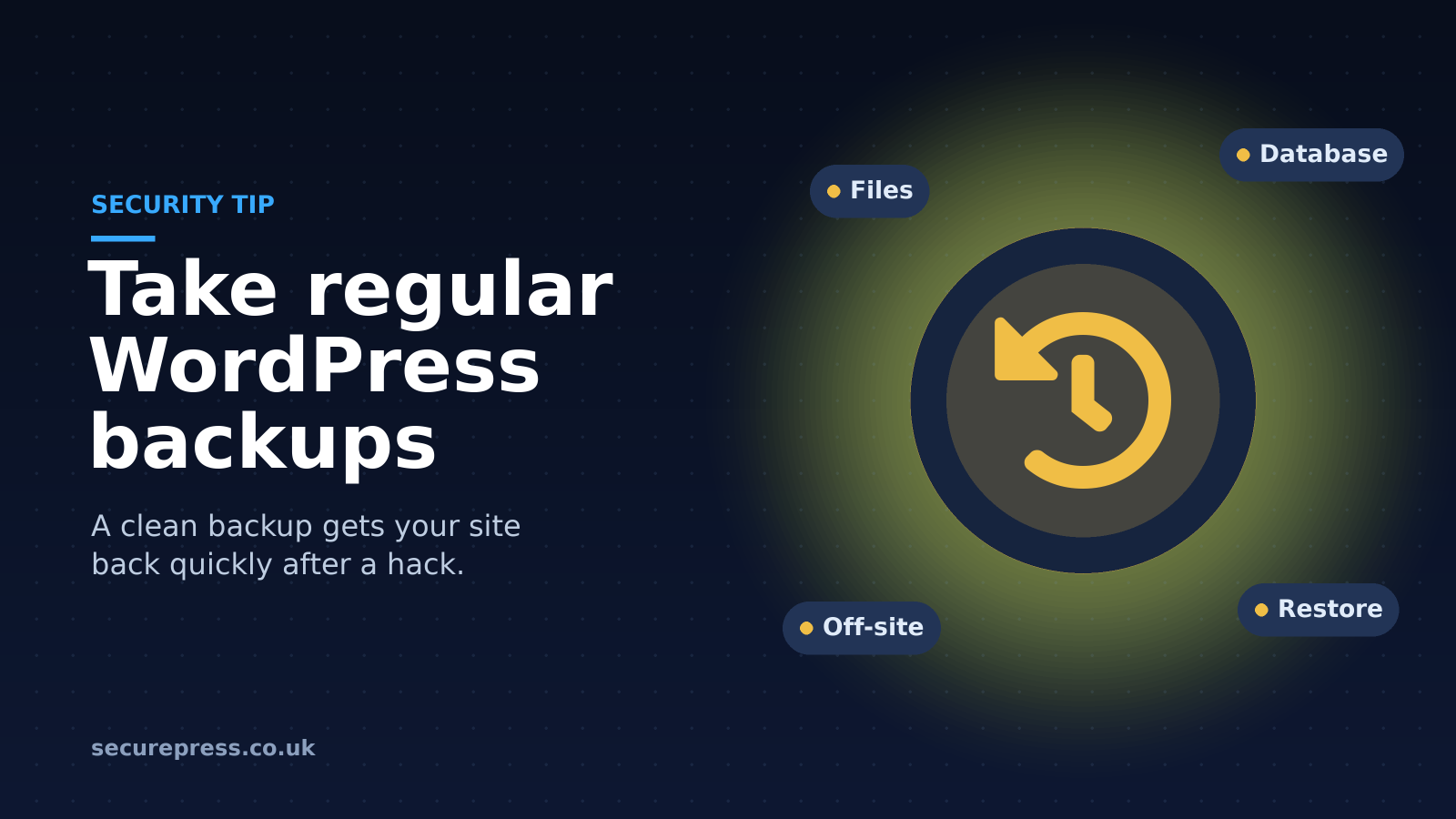
Regular WordPress backups won't stop a hack, but they let you restore a clean copy of your site quickly. How to back up your files and your database.
Maintain your WordPress site's security with regular backups
WordPress security is not a matter to be taken lightly, especially if you don't have a reliable web host to look after your site. There are many ways to protect your WordPress site, and one of them is to take regular backups.
Taking backups of your WordPress site won't prevent a hack, but it will protect your data if one happens, and let you recover quickly by restoring your site from a clean backup.
Taking a backup of your WordPress site
There are several ways to back up your WordPress site. One common way is with an FTP client such as FileZilla. It's free to download, and you simply drag a copy of your website's files to wherever you keep your backups, such as an external hard drive.
Your files are only half of your site, though. You'll also need a copy of your database, which holds things such as your users, posts and pages. You can usually export it from your hosting control panel, for example with phpMyAdmin in cPanel.
There are also WordPress plugins that can take backups for you, in both free and paid versions.
It's up to you how often you back up your site, but we recommend doing it on a regular basis. We also recommend taking a backup just before making any significant changes to your WordPress site.
We'd also suggest keeping your backups in more than one place, for example on an external hard drive and in cloud storage, so that if one copy is lost or corrupted, you still have another.
Automatic regular WordPress backups
As a WordPress hosting provider, we back up our clients' sites as part of our service. Every SecurePress plan includes automatic daily backups with JetBackup, stored off-site on separate backup storage. They're incremental, so each day only adds what has changed, and we keep the last 14 days.
You can also take a backup on demand in cPanel whenever you like, for example just before a big change, and download it to keep as your own recovery point.
You can find out more about our WordPress hosting plans and prices here.
To learn more about WordPress security, you may want to find out about SSL certificates or why WordPress security is essential for small businesses.
And if you think your WordPress site has been hacked and you don't have a backup, our WordPress malware removal service can clean it for you.