WordPress Security for Small Businesses
WordPress security matters for small businesses too. Learn why hackers target small sites, the most common hacks, their impact and how to protect yours.
WordPress is arguably the best CMS available thanks to how easy it is to use and customise, but that popularity also makes it a favourite target for hackers. WordPress now runs over 40 per cent of all websites on the internet, and every one of them, including yours, is a potential target.
WordPress security is important for all businesses, big and small
Many small businesses believe that because they don't have an e-commerce website, or because most of their business isn't done online, they don't need to pay attention to their WordPress security, because no one would be interested in hacking them.
The figures say otherwise. The UK government's Cyber Security Breaches Survey 2025/26 found that 43% of UK businesses had a breach or attack in the previous 12 months. Most attacks on websites are automated: bots scan the internet for any site with a known weakness, whatever its size. When SitePulse checked nearly 7,000 WordPress sites, 47% were running software with known security holes.
We have created a go-to guide to WordPress security for small businesses. In it you'll find out why you may be hacked, how you may be hacked, what a hack can mean for your business and, most importantly, how to protect yourself.
Why do hackers hack?
People often think that a hacker's only motivation is to steal credit card details, but that is not the only reason for a hack. Hackers break into websites for a variety of reasons.
Enjoyment
There are a lot of hacking communities out there. These communities encourage their members to hack websites simply to prove they can. For these hackers, getting inside your website and changing a few things around is fun and gives them bragging rights.
Resources
Some hackers will hack a WordPress site to use the computing power of the web server it runs on. This lets them use your resources for free and hide their identity behind yours.
SEO
Black hat search engine optimisation (SEO) campaigns are often a motive for hackers. They add their own links and redirects to your site for their own gain, which will ultimately ruin your search ranking in Google.
Data
Data is the best-known reason for hacking a WordPress site. Credit card information is the most obvious target, but hackers also want your mailing list so they can send spam emails containing malicious links and viruses on your behalf. In more extreme cases, stolen data can lead to identity theft for both your staff and your customers.
What are the types of hack?
There are numerous types of hack that WordPress sites may be subjected to. These include malware infections, cross-site scripting (XSS), phishing, ransomware, man-in-the-middle attacks, drive-by downloads, pharma hacks and malicious redirects, to name just a few.
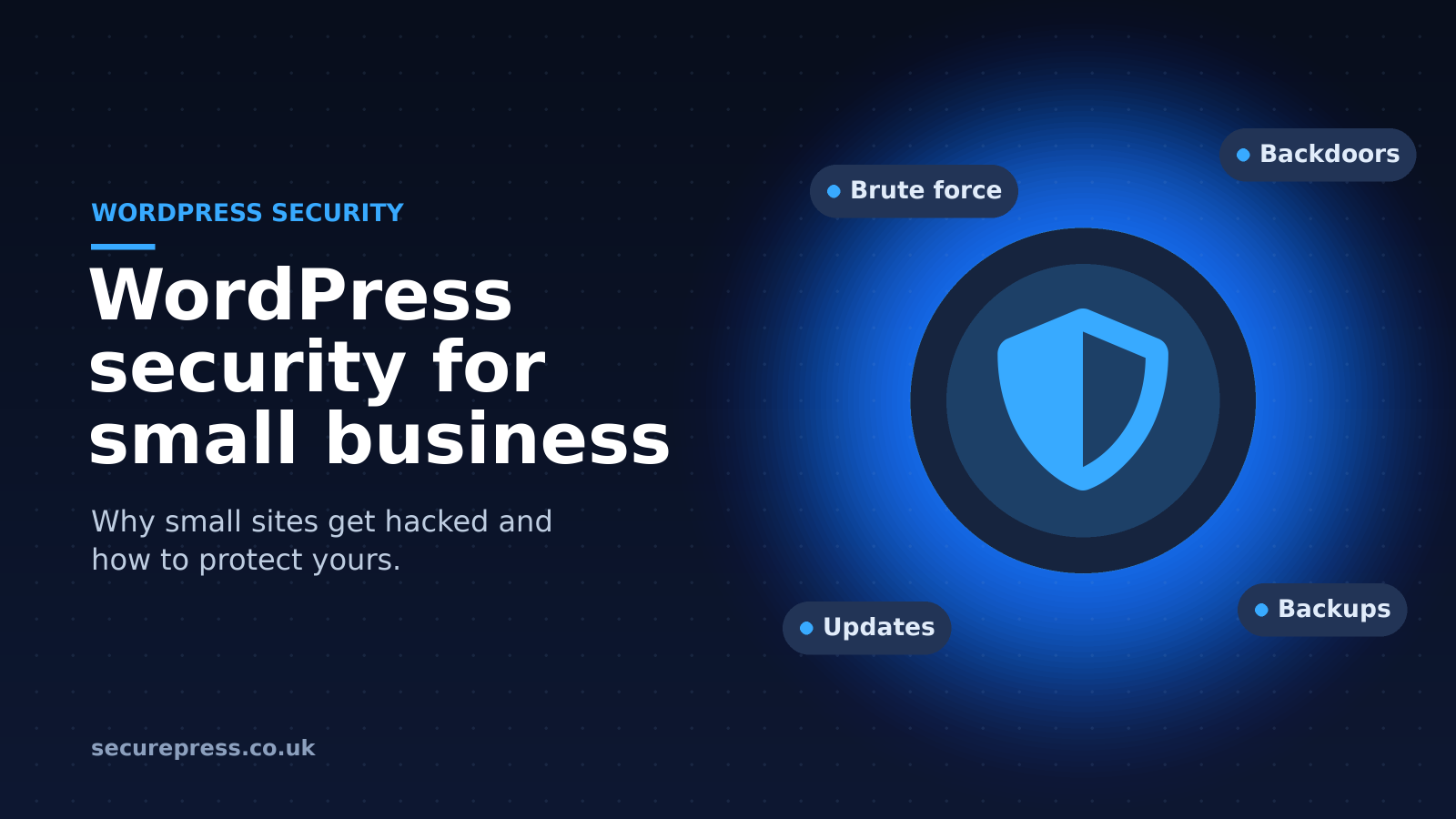
The main hacks that small businesses with WordPress websites should be aware of are backdoors, brute force attacks, SQL injection and distributed denial of service (DDoS) attacks.
Backdoor hacks
Backdoors are among the most common forms of unauthorised entry into WordPress websites. A backdoor is a way of bypassing the login that gives a hacker remote access to a website. This lets the hacker add themselves as a hidden administrator and keep making whatever changes they want. Backdoors usually lead to further malware too, such as drive-by downloads and pharma hacks.
Brute force
Brute force attacks are a case of trial and error. Hackers using this type of attack try a huge number of guesses at your username and password, one after another. It is time-consuming, but against a weak password it often works. Once the hacker is in, they can do whatever they want with your WordPress site and the data it contains.
SQL injection
SQL injection is a technique where a hacker slips malicious SQL statements into the database queries a website makes, usually through a form or a web address. SQL injection can be especially dangerous for websites that hold customer data or handle payments.
DDoS
Distributed denial of service (DDoS) attacks try to make a website unavailable by overwhelming its servers with traffic from many sources at once. The result of a DDoS attack on your website is downtime, which can lead to lost customers and lost sales, among other things.
What impact can a hack have on a small business?
The results of having your WordPress security breached are never pleasant.
There are some obvious short-term impacts of a WordPress hack, including disgruntled customers and a drop in sales. But if the hack isn't dealt with quickly and properly, there can be a number of serious long-term consequences.
Having your WordPress site hacked doesn't only affect you, but your customers too. It can lead to infections on their computers and the loss of their data. It will also affect any websites you have an affiliate or advertising partnership with.
There are practical consequences too, including Google flagging your site as dangerous or removing it from its search results, and losing your site altogether if neither you nor your host took proper backups before the hack.
One of the biggest impacts of a hack is the loss of trust in your company from customers and partner brands, which damages your reputation.
How can you improve your WordPress security?
Hacking is a very real risk for every website owner, whether it's a personal blog, a small company website or a large e-commerce site. However, there are precautions you can take to protect your WordPress site. First and foremost, we recommend choosing a good managed WordPress hosting company that provides top-notch security.
Additionally, be aware of the themes and plugins you are using. Before installing a WordPress plugin or theme, make sure it is actively maintained and has no known, unfixed security issues.
Themes and plugins need to be updated regularly, just like WordPress itself. When an update fixes a vulnerability, details of the flaw are usually published, so hackers know exactly what to look for on sites that haven't updated yet.
We strongly recommend using an advanced firewall to block malicious connections and attacks, and making sure your site runs on HTTPS with an SSL certificate.
You should scan your site for malware regularly to check for threats. We also recommend taking regular backups, so if anything does go wrong you still have a previous, healthy version of your website to go back to.
When it comes to logging in to your WordPress site, make sure your passwords are strong and unique, and your username is not "admin". We recommend two-factor authentication for everyone who logs in to your WordPress site. You can find more tips in our posts on limiting login attempts and taking regular backups.
Are you concerned you have been hacked?
If you think your site has been hacked, our WordPress malware removal service will clean it within 24 hours of getting your logins. Cleanup is free on annual Starter and Managed Pro plans.
Every SecurePress plan also comes with round-the-clock malware scanning, a firewall, daily off-site backups and a free SSL certificate. See our secure WordPress hosting.