Secure Password Sharing Tool: Stop Emailing Passwords
Why emailing passwords is riskier than it looks, and how our secure password sharing tool sends encrypted, burn-after-reading links. See how it works.
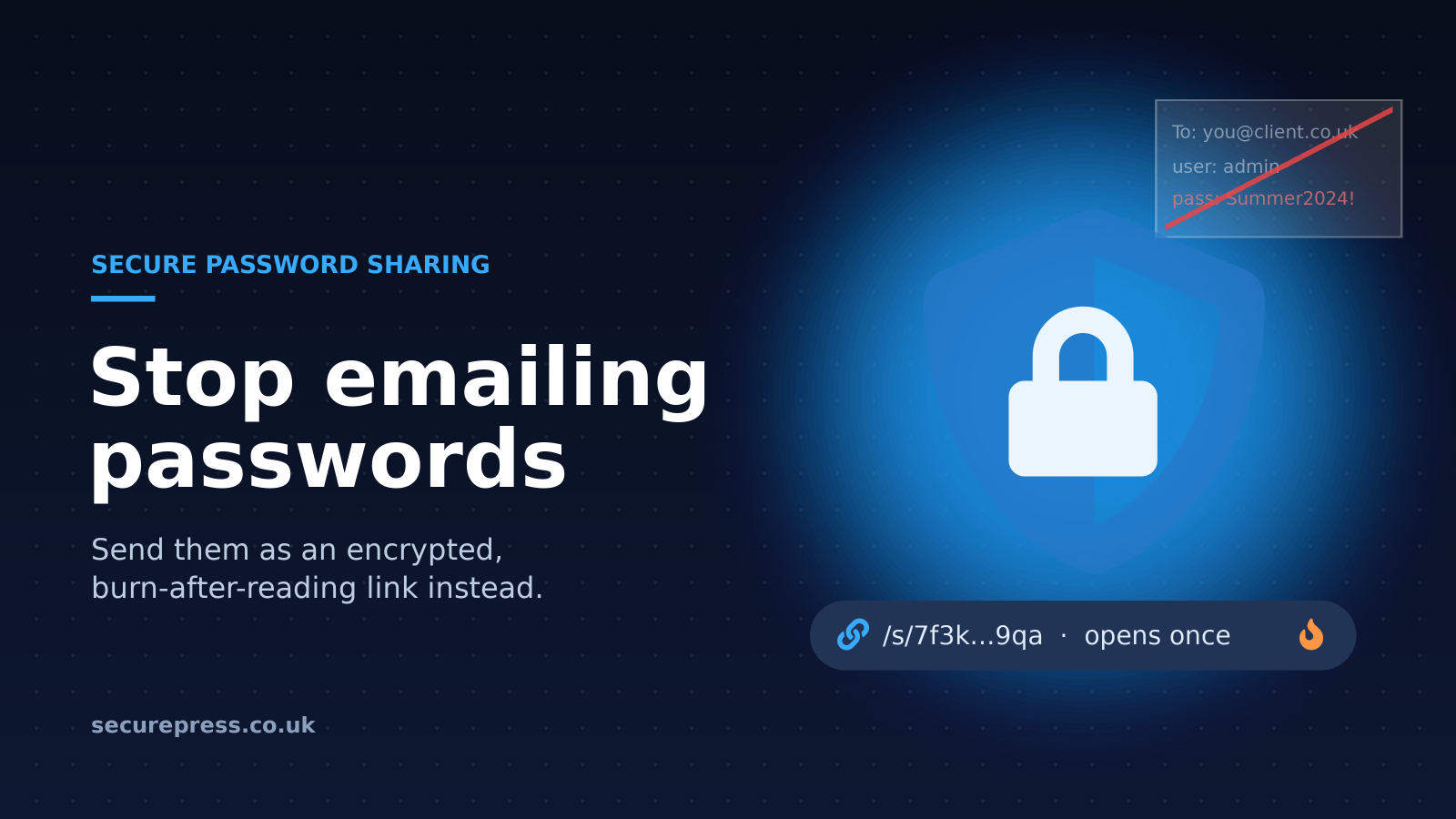
We recently launched a secure password sharing tool that lets you send login details as an encrypted, one-time link instead of typing them into an email. This article explains why emailing passwords is riskier than most people think, and how the tool works: https://www.securepress.co.uk/tools/secure-link-share
It is a public tool, so anyone can use it, and we would urge you to do so.
Why we built a secure password sharing tool
We had an interesting case recently with a client who sent us a password by email. You might think that is fine, and most of the time it is. We need access to do the work, so sending the details over feels like the sensible thing to do.
However, this client's website had been hacked. That alone is a red flag, and it meant she really shouldn't have sent her login details by email. When a site or a device has been compromised, you can't be sure what else is affected.
Why emailing passwords is risky
The sender's account may already be compromised
If something has already got into your system, a script could be running in the background, quietly collecting any passwords that pass through in plain text. An email containing a username and password is exactly what that kind of script is looking for, and you would have no idea it had been taken.
Passwords sit in the recipient's inbox for years
You also need to think about the person receiving the email. They might keep those details in their inbox for weeks, months or even years. Every one of those messages becomes a small risk sitting quietly on their computer.
It only takes a small virus to get onto a computer and scan all your emails for access details. The more old passwords sitting in an inbox, the more damage a single infection can do, and that applies to both the sender's sent folder and the recipient's inbox.
Why secure password sharing matters more now
Everything feels a bit scarier in security these days. AI is being used to find weaknesses in software, and it is likely that some people are using AI for less honest purposes too. Finding and exploiting leaked passwords is getting easier, so it makes sense to leave as few of them lying around as possible.
That is why we developed the secure link sharer: a simple way to hand over access details without leaving a permanent copy behind.
How our secure password sharing tool works
- Enter your access details into the tool on our website.
- The details are encrypted as soon as you submit them.
- A secure link is generated, which you send to the person who needs access instead of the password itself.
- The link burns after reading. Once it has been opened, the details are gone, so there is far less chance of a password lying dormant on someone's computer.
We never store or see the passwords you share. The only person who can read them is whoever opens the link first.
When to use it
Any time you need to give someone access to an account, the secure link is a better option than pasting the details into an email or message. That might be a developer or support company that needs to get into your website, a colleague who needs a shared login, or a supplier setting something up on your behalf.
It is especially worth using if you suspect anything might be wrong, as with our client whose site had been hacked. In that situation, the last thing you want is another copy of your password travelling through a system that may already be compromised.
Good habits when sharing access details
- Avoid sending passwords in plain text by email or chat wherever you can.
- Clear out old emails that contain login details, from both your inbox and your sent folder.
- If your website or computer has been hacked, assume any passwords you have recently emailed may have been seen.
Try it next time you share a password
Emailing a password usually works, but it leaves copies behind that can be found long after you have forgotten about them. Our secure password sharing tool gives you an encrypted, one-time link instead, and we never see what you send. Next time someone asks for your login details, use the secure link sharer instead.